Open source · Raspberry Pi · Volumio
Vinyltron is an open-source Volumio plugin that drives a 64×64 RGB LED matrix. Live album art while music plays. Live weather, generative screensavers, and your own photos when it doesn't.
Display modes


The display
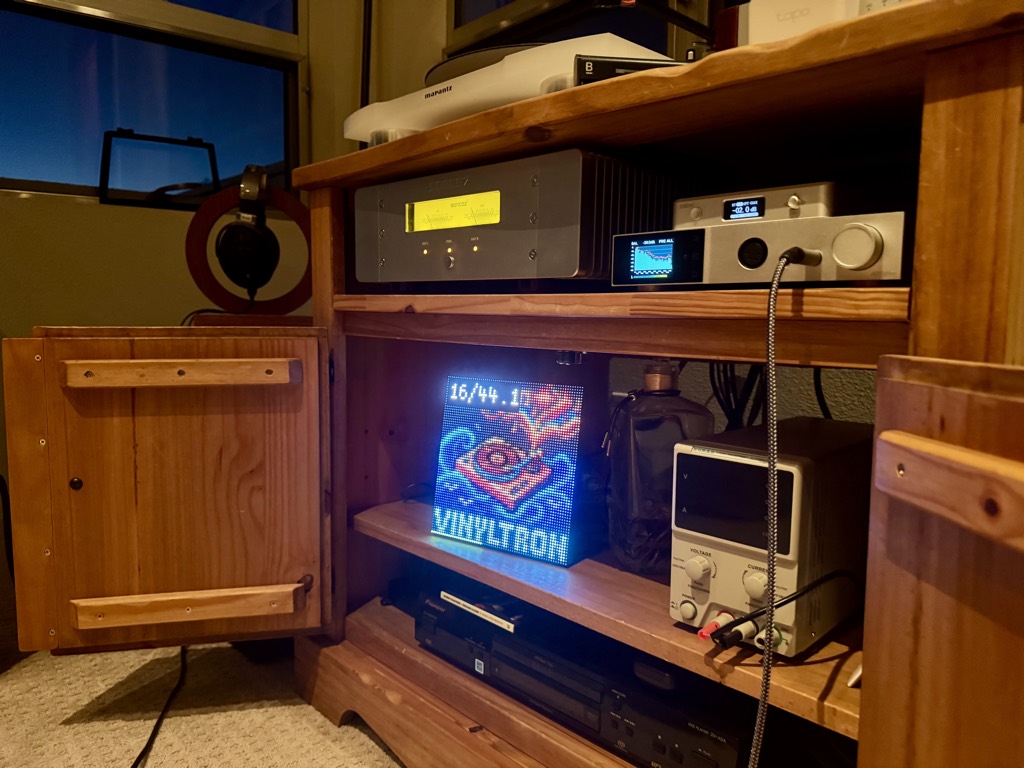
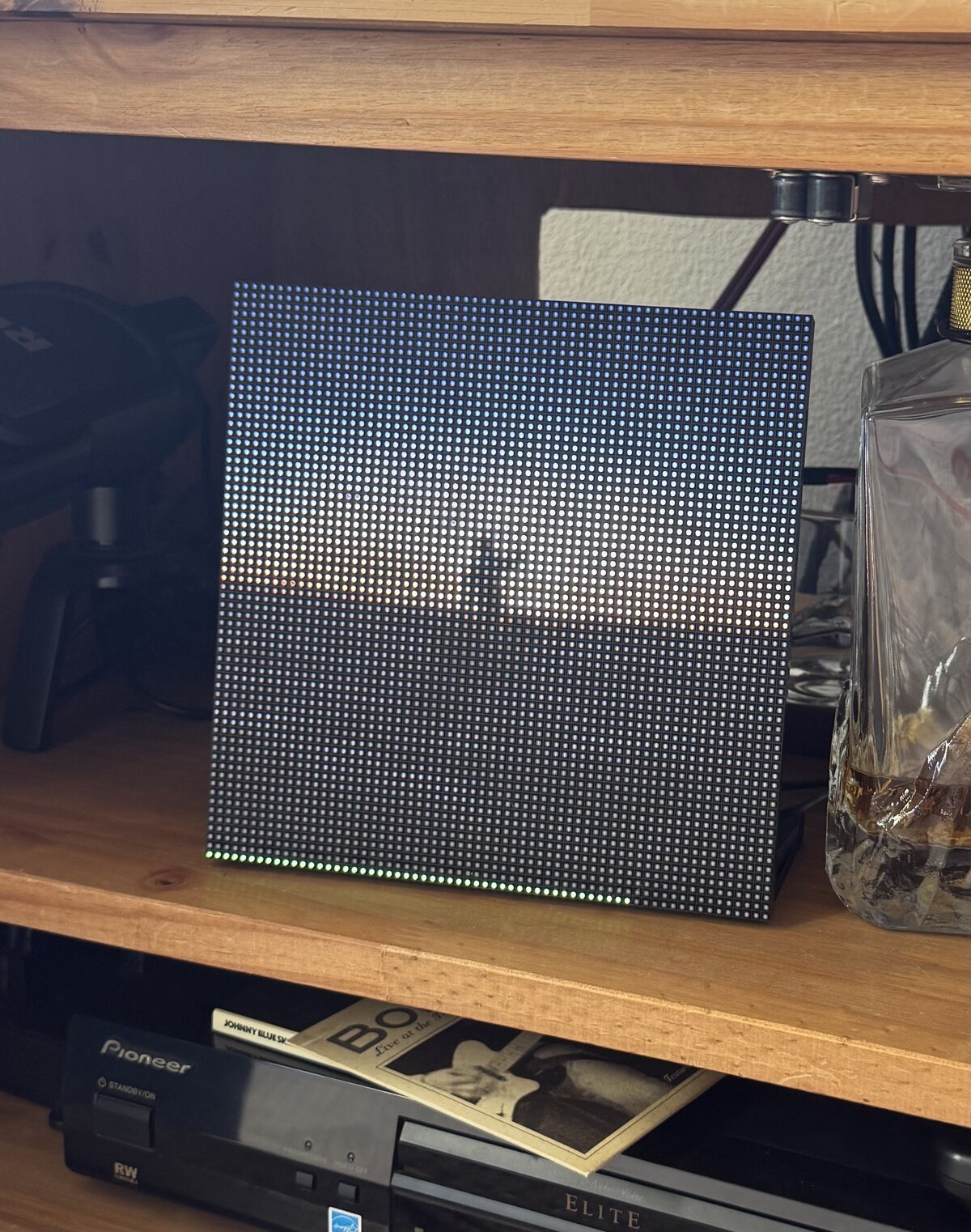
A 64×64 HUB75 RGB LED matrix is a grid of 4,096 LEDs — each one driven independently, each capable of displaying any of 16.7 million colors at full PWM brightness control. The same HUB75 protocol drives LED walls at concerts and sports arenas, scaled down to a 7.5-inch panel that sits on a shelf or tucks inside a cabinet. At a few meters, the pixel grid blends into a continuous image.
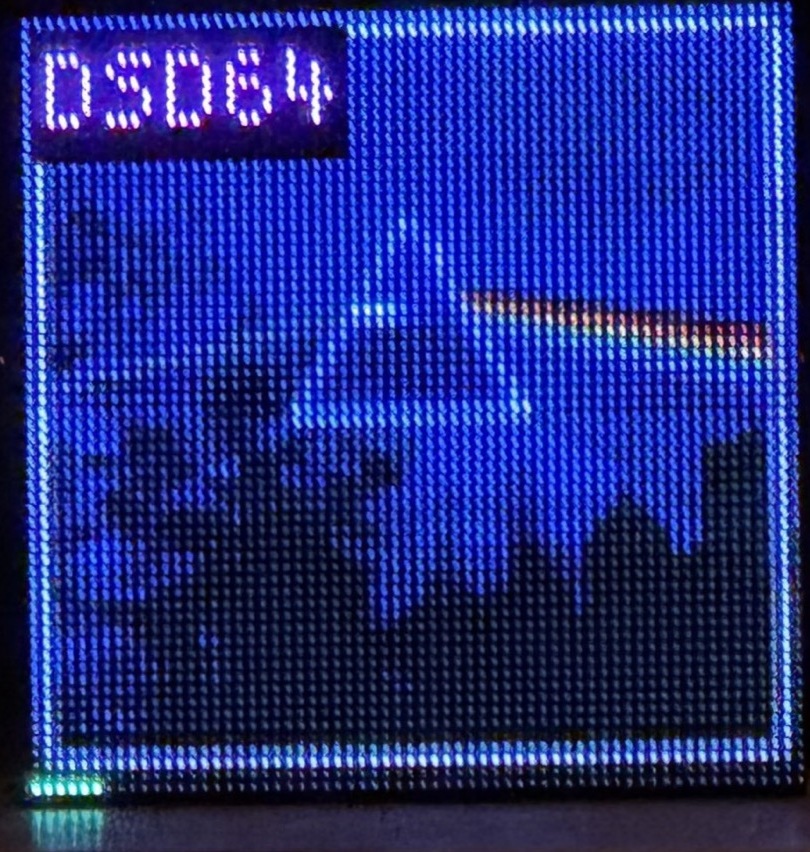
Live playback
Vinyltron follows Volumio's pushState event stream — no polling loop. Track changes appear on the next render cycle. When playback stops, it transitions to whatever idle mode you've chosen.
Idle modes
When music stops, the display doesn't go dark. Choose from your own photos, five generative screensaver engines, or a live pixel-art weather readout — all configurable from the Volumio plugin settings page. Screenshots labeled (sim) are rendered from the matrix simulator at 8× scale.
Album art
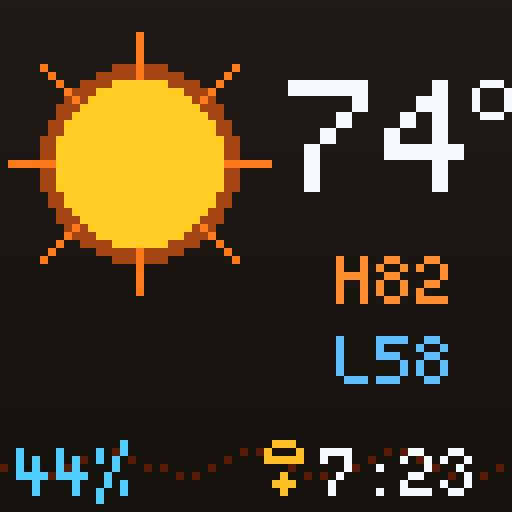
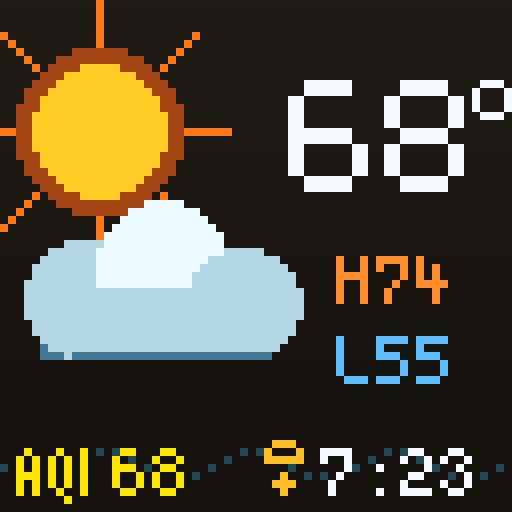
Weather · day (sim)
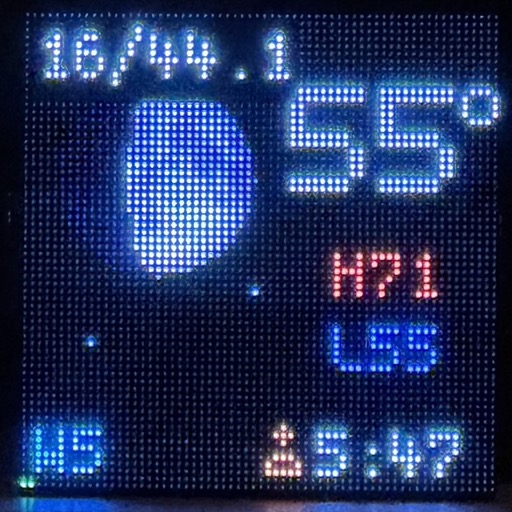
Weather · night
Brian's Brain (sim)
Gray-Scott (sim)
Live weather
Live temperature, condition icon, high/low, humidity, wind, and moon phase — fetched from Open-Meteo (free, no API key required) and rendered entirely on the matrix in 64×64 pixels. AQI pulls from the air quality feed and color-codes by EPA tier. No cloud account, no subscription.
Screensavers
Five simulation engines run directly on the Raspberry Pi, each producing
patterns that evolve continuously. Each has configurable palette, speed,
and reset interval from the Volumio UI — with advanced tuning parameters
in config.toml.
Photo manager
A built-in browser UI at volumio.local:3018/photos lets you upload
idle photos from any device on your home network — phone, tablet, or laptop.
Set a single photo, pick from a folder, or randomize — all without touching the Pi.
No authentication; intended for a trusted home network, the same trust model as
the Volumio web UI.
Why Vinyltron
Commercial LED music displays exist. They ship in a nice box and look great on a shelf. Vinyltron lives inside your existing rack, costs a fraction of the price, and does things these displays don't.
| Feature | Commercial display | Vinyltron |
|---|---|---|
| Cost | $199–$219 | ~$60–80 in parts* |
| Live album art | ✓ | ✓ |
| Subscription required | Varies | None. Ever. |
| Live weather display | — | ✓ Temperature, AQI, moon phase |
| Generative screensavers | — | ✓ 5 simulation engines |
| Audiophile format badge | — | ✓ DSD64, 24/96, FLAC, and more |
| Volumio integration | Varies | pushState events, no polling |
| Open source | — | ✓ MIT license, full source on GitHub |
| You built it | — | ✓ Priceless |
Hardware
One Pi, one panel, one Bonnet. The Adafruit RGB Matrix Bonnet handles level shifting and hardware PWM timing for cleaner, more stable output than direct GPIO. A separate 5V supply keeps the Pi stable under full matrix load. Fits neatly inside an AV cabinet or on a shelf.
| Part | Tested setup |
|---|---|
| Host | Raspberry Pi 3B · Volumio 4 · Debian Bookworm |
| Matrix | 64×64 P3 HUB75E RGB LED panel |
| Interface | Adafruit RGB Matrix Bonnet #3211 |
| Matrix power | Dedicated 5V 4A supply |
| Wiring | GPIO4 → GPIO18 jumper for hardware PWM |
Install
Vinyltron is in the Volumio plugin store (beta channel). Find it under Plugins → User Interface and install. The installer configures boot files to free GPIO18/PWM for the matrix — this intentionally disables onboard/HDMI audio, which claims that GPIO pin. Reboot when prompted, then set the panel mapping and idle mode in plugin settings.
Full walkthrough in the install guide. Bonnet wiring and power in hardware setup.
Read install guide →